Installed on your machine
Download a signed installer from the stable routes on this official site, launch Offload from your applications, and keep the workspace available next to the tools you already use.
Official desktop application · macOS / Windows / Linux
Install Offload on your computer to connect TikTok, YouTube, X, and Instagram, work with selected local files, understand account performance, and review publishing actions before they are sent.
The real application
Offload runs as a desktop application. Its persistent navigation brings content, connected accounts, agents, inbox workflows, analytics, settings, and activity into one creator-controlled workspace.
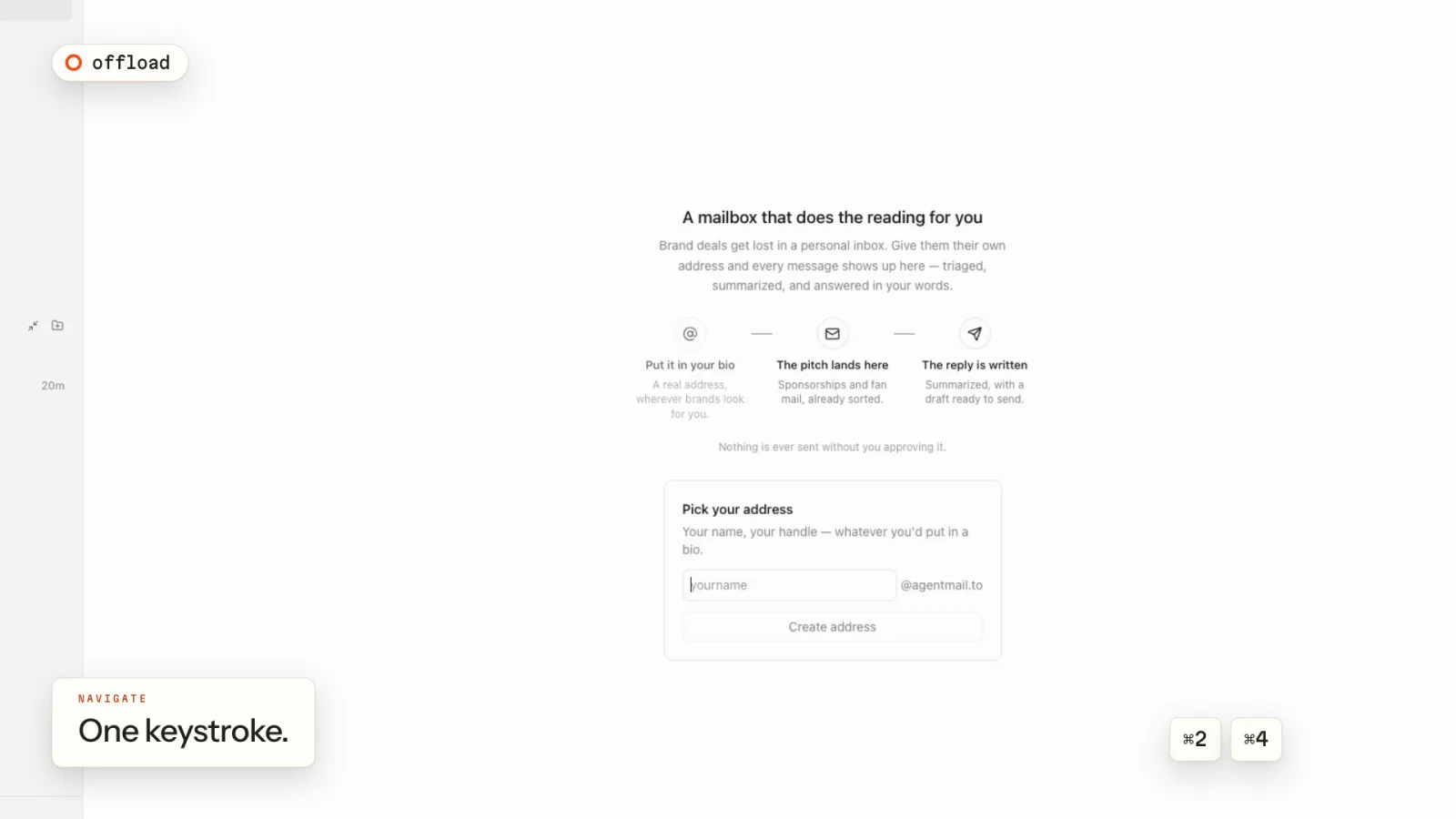
What runs on your computer
The installed app is the primary Offload experience. It works with files a creator chooses, opens provider authorization in the provider's own flow, and returns to an explicit review step before supported publishing actions.
Download a signed installer from the stable routes on this official site, launch Offload from your applications, and keep the workspace available next to the tools you already use.
Choose the footage, exports, and project material you want Offload to work with. The app does not treat every file on the computer as publishing input.
Connect an account through its platform's authorization screen, review the permissions shown there, and disconnect the account from Offload when you no longer want it connected.
Inside Offload
Offload is designed for creators working with content they own or are authorized to use. Connected-platform capabilities stay separate, and creator approval remains visible at the point of action.
Keep chosen footage and exported media available to the workspace without replacing your original source files.
Start OAuth from Stack, inspect the provider's consent screen, and return to the connected identity in Offload.
View the profile, channel, recent-content, and engagement data made available by each authorized platform.
Inspect the destination, account, media, caption, privacy, disclosures, and available interaction settings before sending a supported publishing action.
TikTok in the desktop app
A creator connects their own TikTok account through Login Kit. Offload can then show the authorized identity, account totals, and recent public videos. For a user-selected original video, the creator can review an inbox draft upload or a Direct Post, choose TikTok-provided settings, complete required disclosures and consent, and approve the final action.
Offload shows a dedicated review screen and waits for creator approval. TikTok controls account eligibility, permissions, posting options, processing, and production access.
Official installers
These stable, same-domain routes stream the matching public versioned assets from Offload's release storage. Current version: 0.4.55.
Apple silicon (arm64) disk image for current macOS systems.
Download DMG64-bit (x64) installer for current Windows systems.
Download EXE64-bit (x86_64) AppImage for compatible Linux distributions.
Download AppImageGet started
Connections begin inside the installed app and continue through the platform's own authorization page. Offload never needs a creator's platform password.
Choose the installer above, open it, and launch Offload from your applications.
Use the one-time email sign-in flow. No reusable Offload password is required.
Choose a platform, continue to its authorization page, and approve only the access you want to grant.
Confirm the destination, account, content, and provider-specific settings before approving a publishing action.
Publisher and support
Offload is developed and operated by Saad Osman, an independent software developer. This page is the official website for the Offload desktop application and its current public downloads.
Use the public support guide or contact the developer. Never include a provider password, access token, or one-time sign-in code.
saadosman450@gmail.com